Smart Home Resource Center
Practical guides for Ventura County homeowners — written from real installations across Thousand Oaks, Moorpark, Newbury Park, and surrounding communities. Every article covers what actually works in local homes, including older construction, tricky layouts, and the connectivity challenges specific to this area.
Have a specific question about your home? Reach out directly — every inquiry gets a personal response, not an automated reply.
Smart Security & Cameras

Home Wi-Fi & Networking
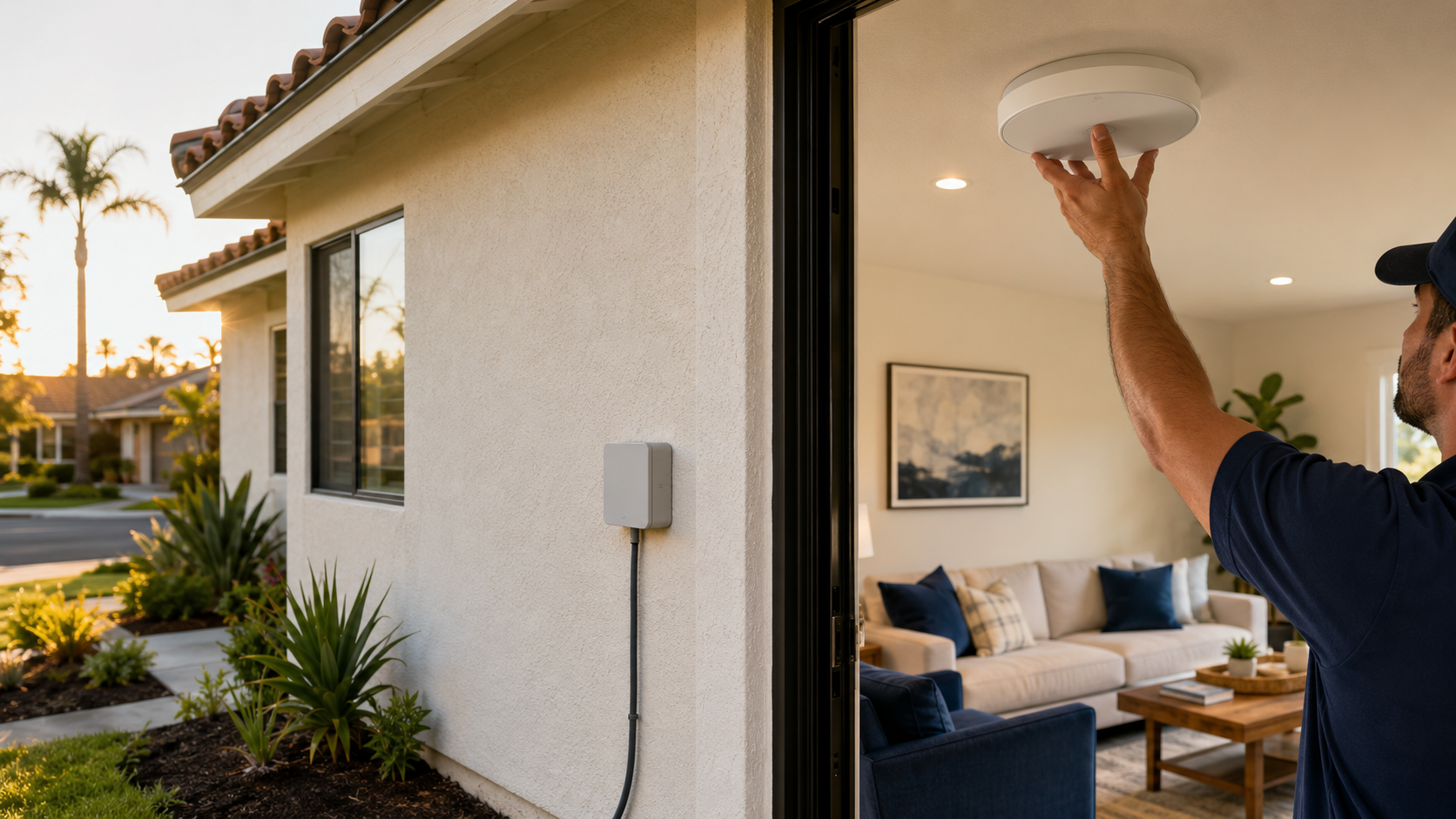
Smart Lighting
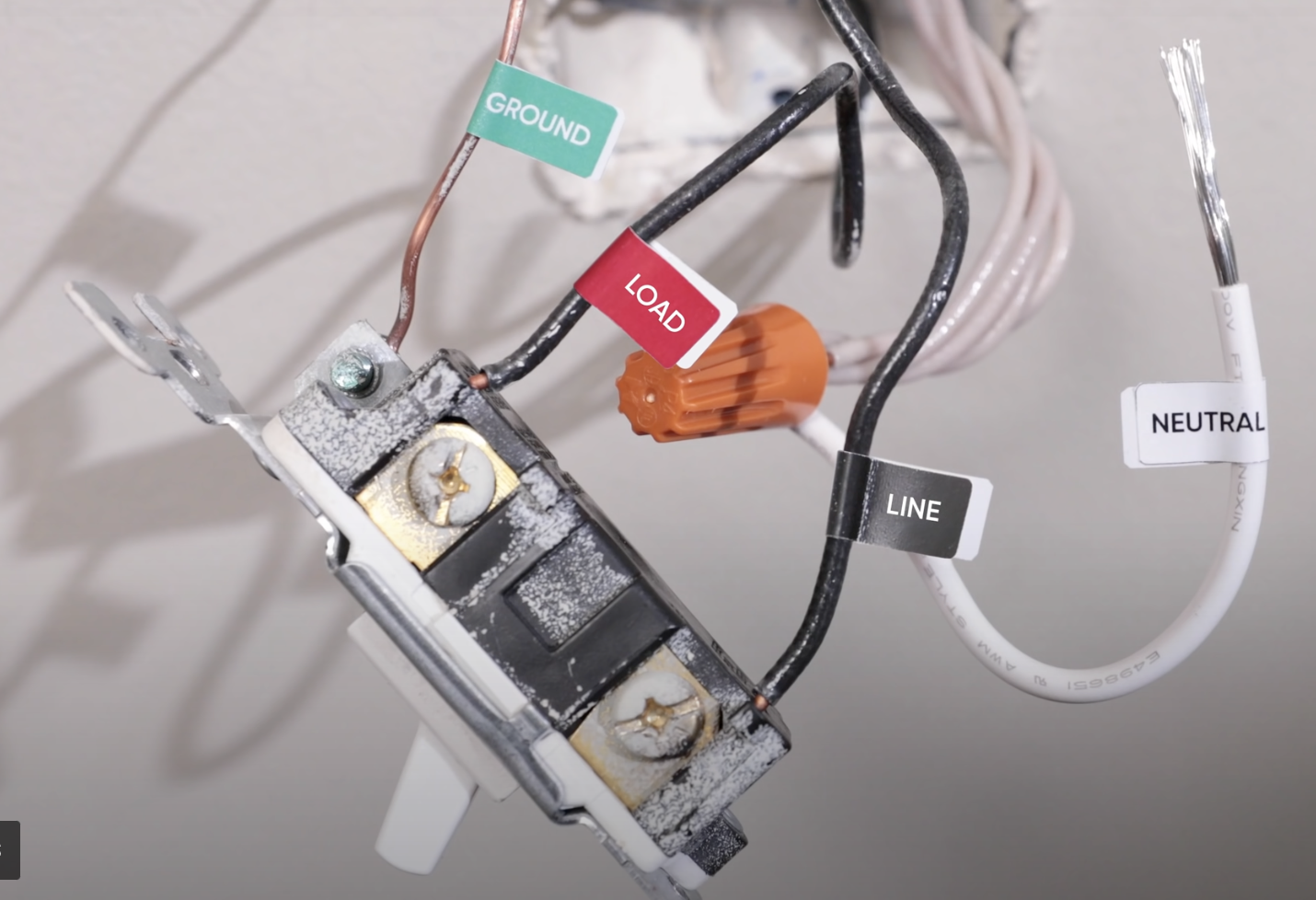
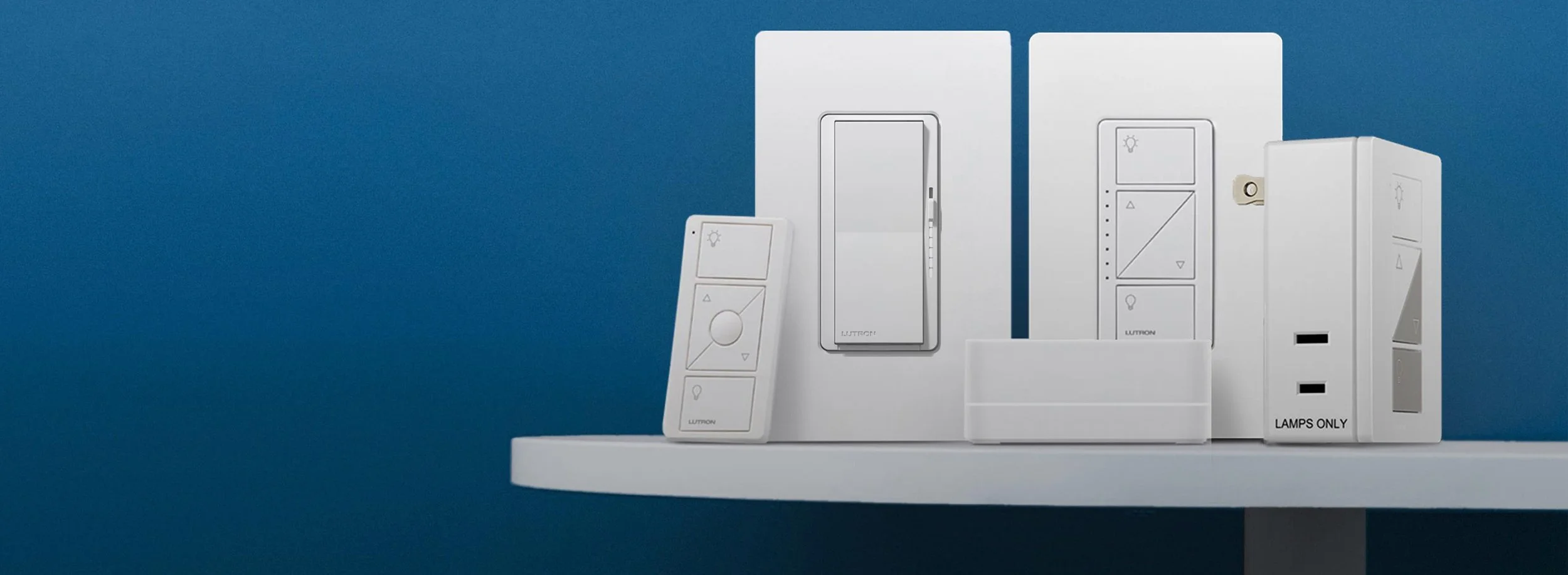
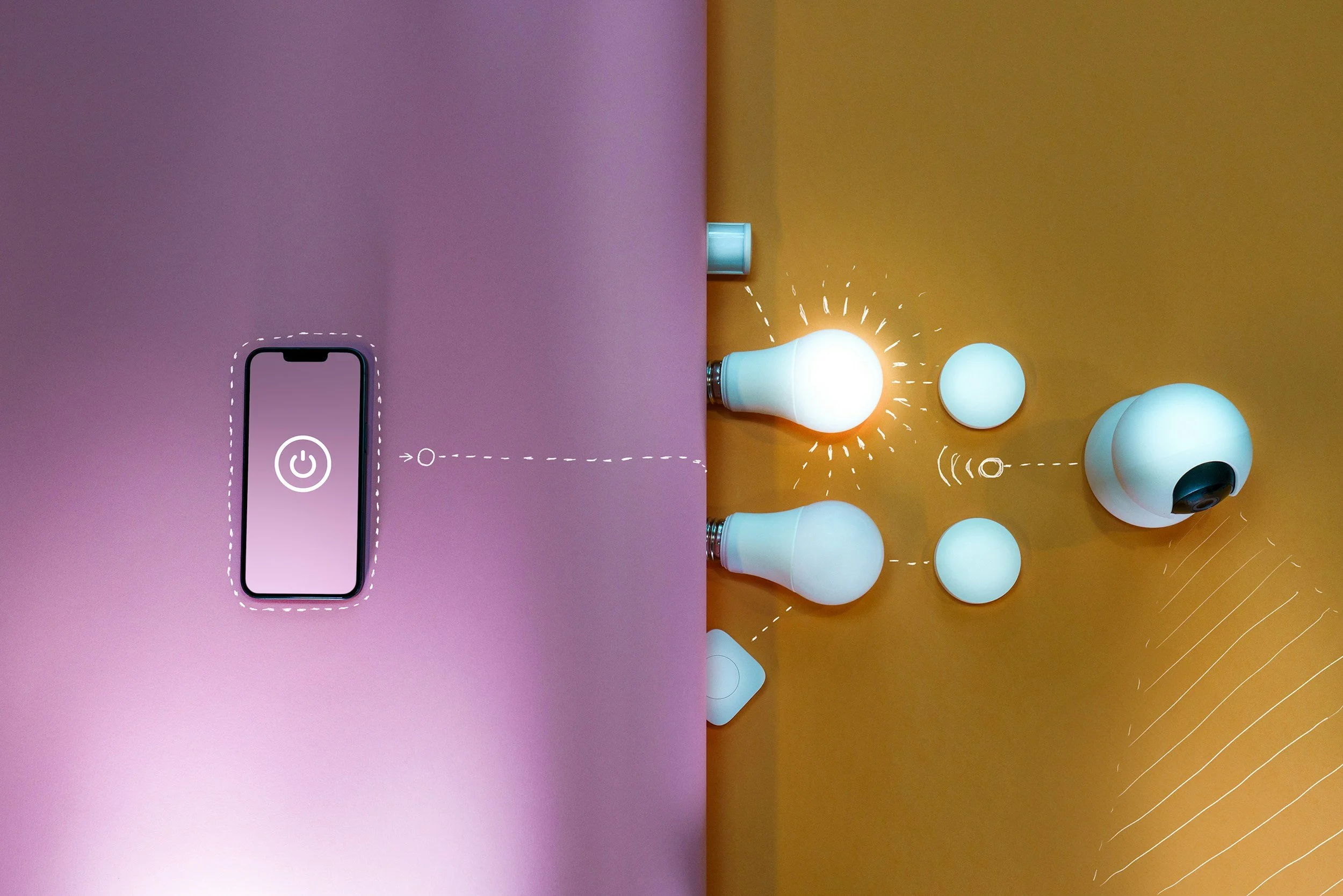
Smart Lock & Doorbells
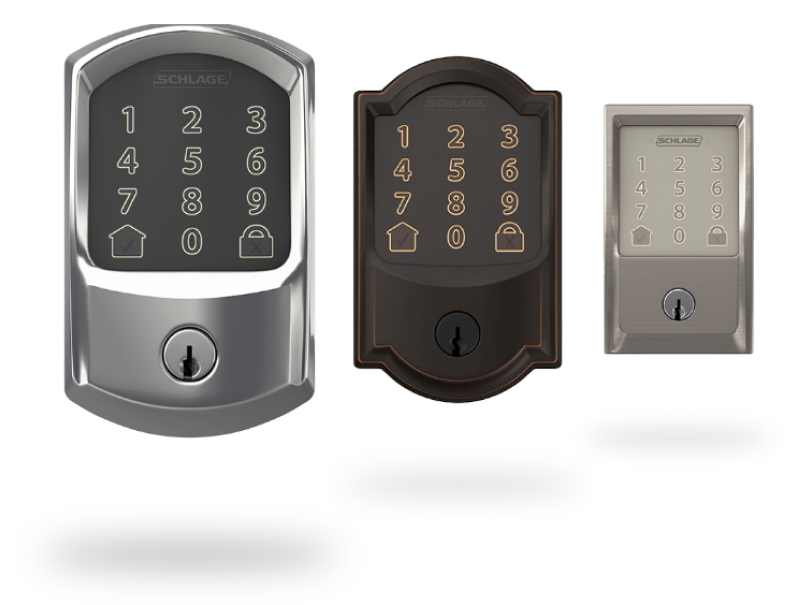
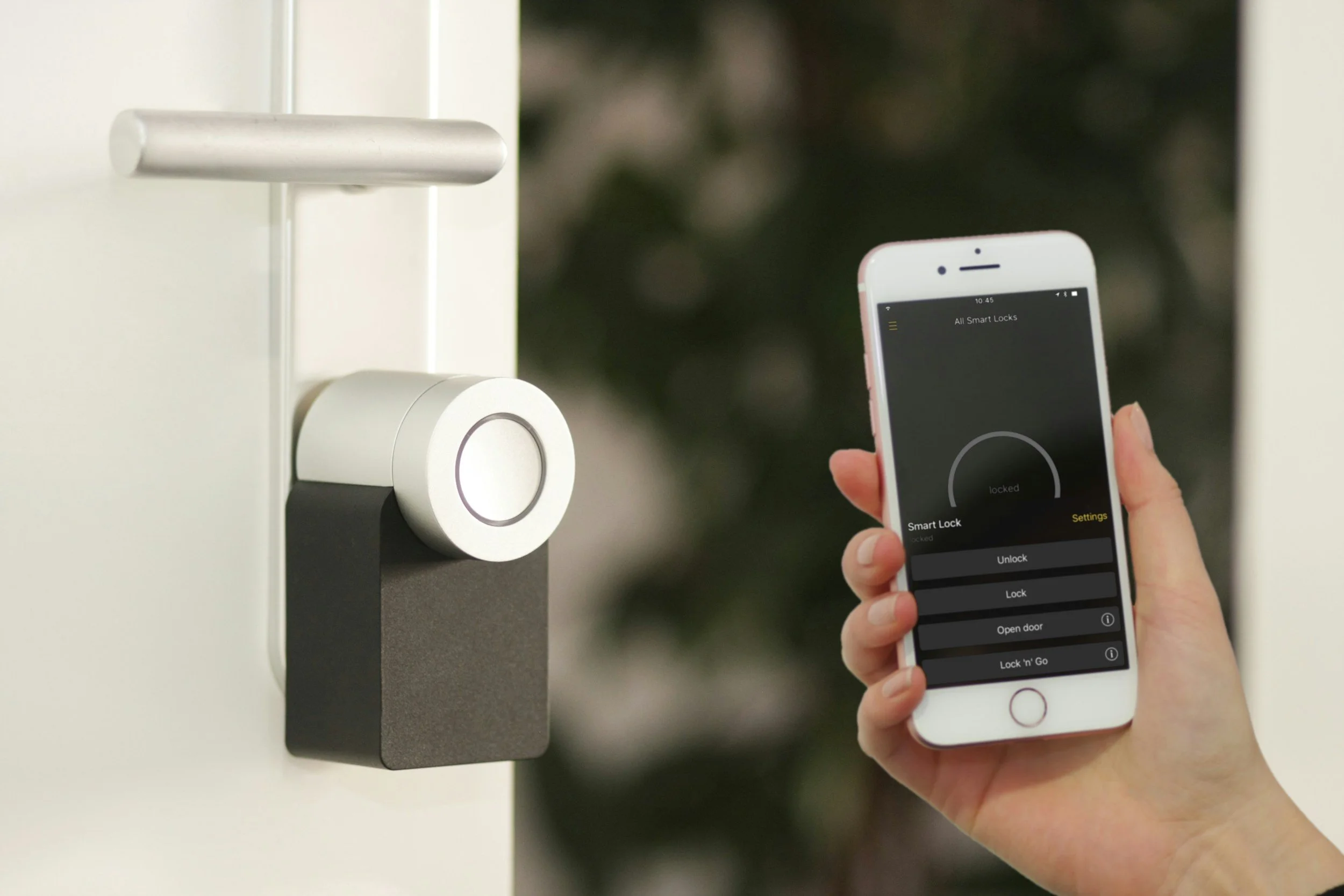
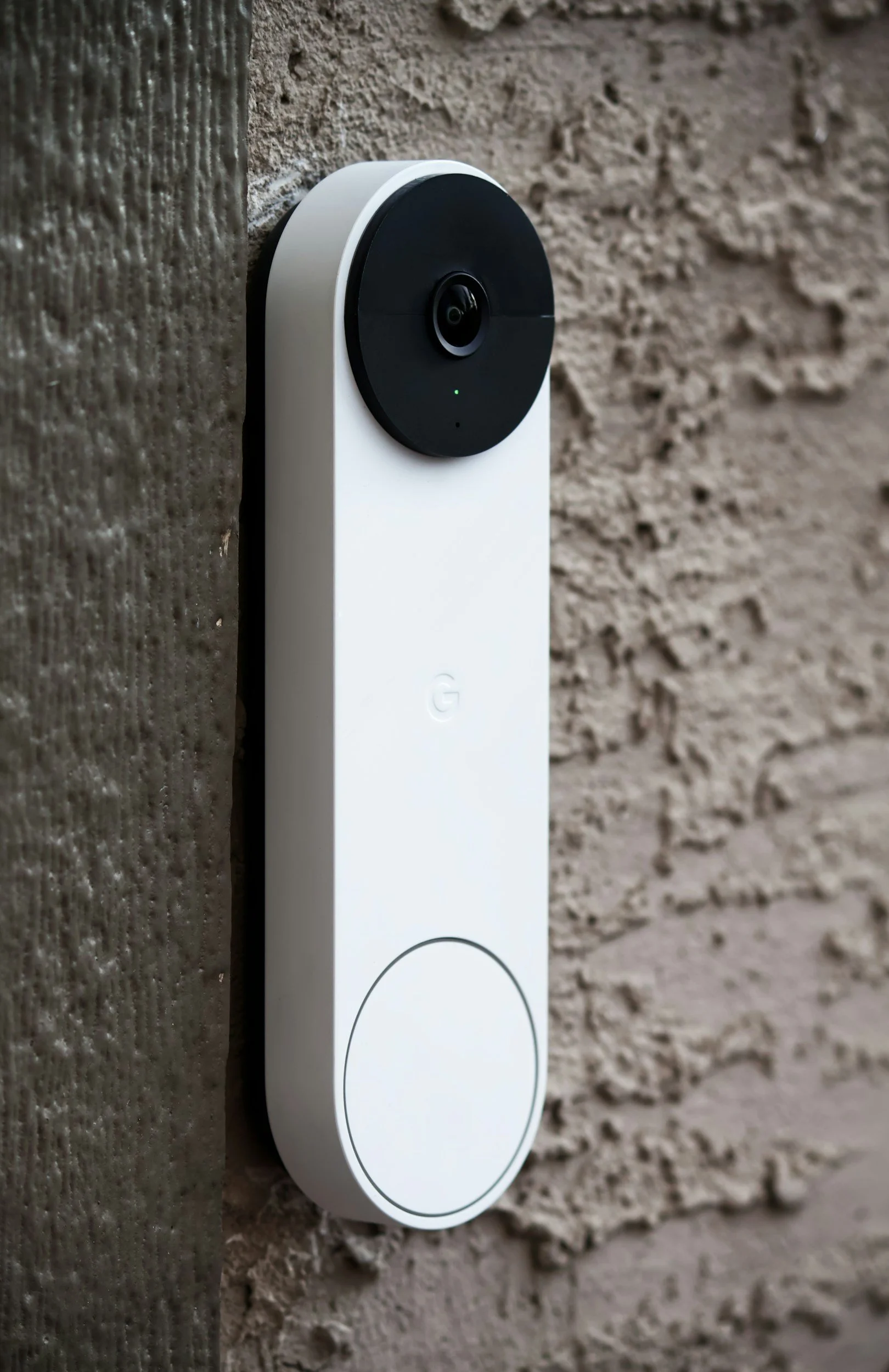
Recently Added
How many devices can your Wi-Fi actually handle?
The average home now runs 30-60+ connected devices, and consumer routers weren't built for it. Here's why your Wi-Fi struggles as you add smart devices, and what a professionally designed UniFi network does differently.
Why your pool equipment won't connect to Wi-Fi (and how to fix it for good)
Smart pool pumps, heaters, and controllers dropping offline aren't broken, they're stuck in a WiFi dead zone at the equipment pad. Here's why that happens across Ventura County pool homes, and the dedicated UniFi access point setup that fixes it for good.
Fiber Internet Is Coming to Ventura County - Here's Why Your Router Is the Weak Link
Frontier Fiber and Aspire Fiber are both rolling out across Ventura County, but homeowners upgrading to gigabit internet are often disappointed - their WiFi feels exactly the same. Here's why the router, not the fiber line, is usually the real bottleneck.

Why upgrading your internet plan won't fix bad Wi-Fi
Gigabit internet, but still dead zones in your house? The bottleneck isn't your ISP, it's the network inside your walls. Here's the real fix, and why upgrading your plan won't help.
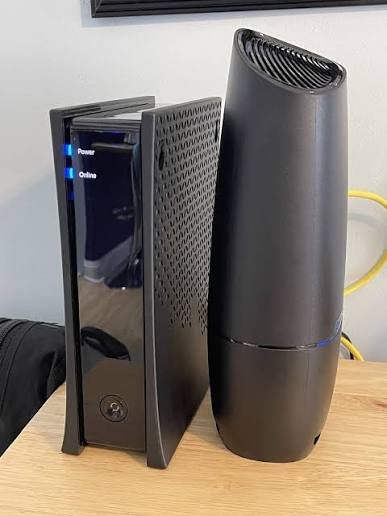
Spectrum WiFi Problems? Why Mesh Extenders Don't Fix It
Spectrum's free router and mesh extenders treat the symptom, not the problem. Here's why your Wi-Fi still drops calls and disconnects doorbells and what a professionally installed network actually fixes.
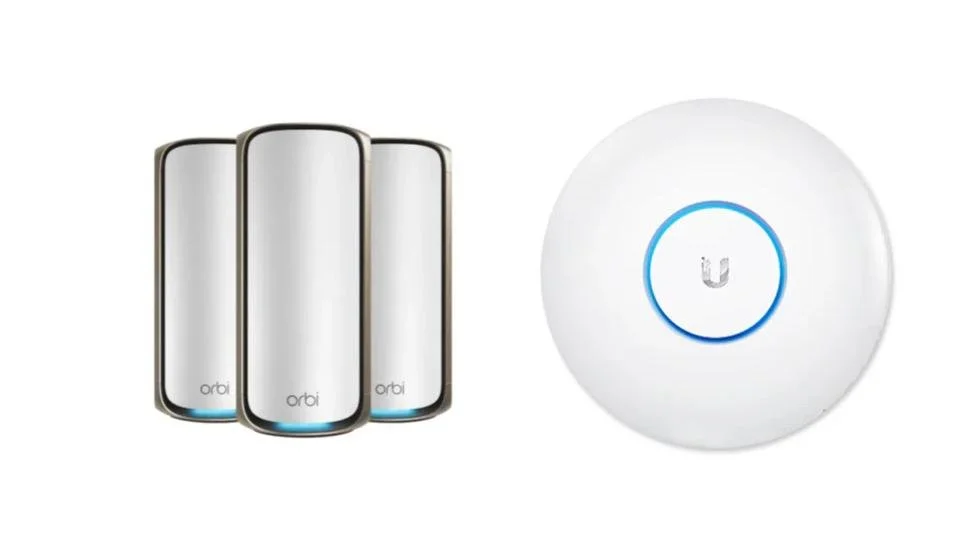
Orbi vs UniFi: Why Ventura County Homeowners Choose Pro Install
The Netgear Orbi Pro WiFi 7 costs $600-700 in hardware alone - no install, no config, no support. A professionally installed Ubiquiti UniFi system starts at $1,399 all-in. Here's how these two options actually compare for Ventura County homeowners.
Smart locks vs. traditional deadbolts: is the upgrade worth it?
An honest look at smart locks vs. traditional deadbolts - covering security ratings, real downsides, cost, and which Ventura County homeowners actually benefit from the upgrade.
Best smart locks for Ventura County homeowners: what we actually install
From an installer who does this every week - honest picks, a Schlage vs. Yale comparison, and flat-rate pricing for Thousand Oaks and greater Ventura County.
Smart lighting for older homes: what you need to know about no-neutral-wire installs
Most homes built before 1990 are missing a neutral wire — the one thing most smart switches require. Here's what that means, how to check yours, and why Lutron Caseta is the fix for older Ventura County homes.
How Smart Lighting Installation Works: What to Expect When You Hire a Pro
Wondering what happens when you hire a smart lighting installer? We walk you through every step — from free consultation to final walkthrough.
What does smart lighting installation actually cost in Southern California?
Real installed price ranges for smart lighting in Southern California — from a single switch to a whole-home Lutron Caseta system. No fluff, no surprises.
Why your Wi-Fi is slow in certain rooms (and how to fix it)
Wi-Fi dead zones aren't an internet speed problem — they're a coverage problem. Here's why certain rooms lose signal and what actually fixes it.

DIY mesh Wi-Fi vs. professional network installation: what's the difference?
DIY mesh Wi-Fi works for small, simple homes. But for larger Ventura County houses with dead zones and 15+ devices, professional Ubiquiti UniFi installation delivers performance consumer mesh systems can't match.
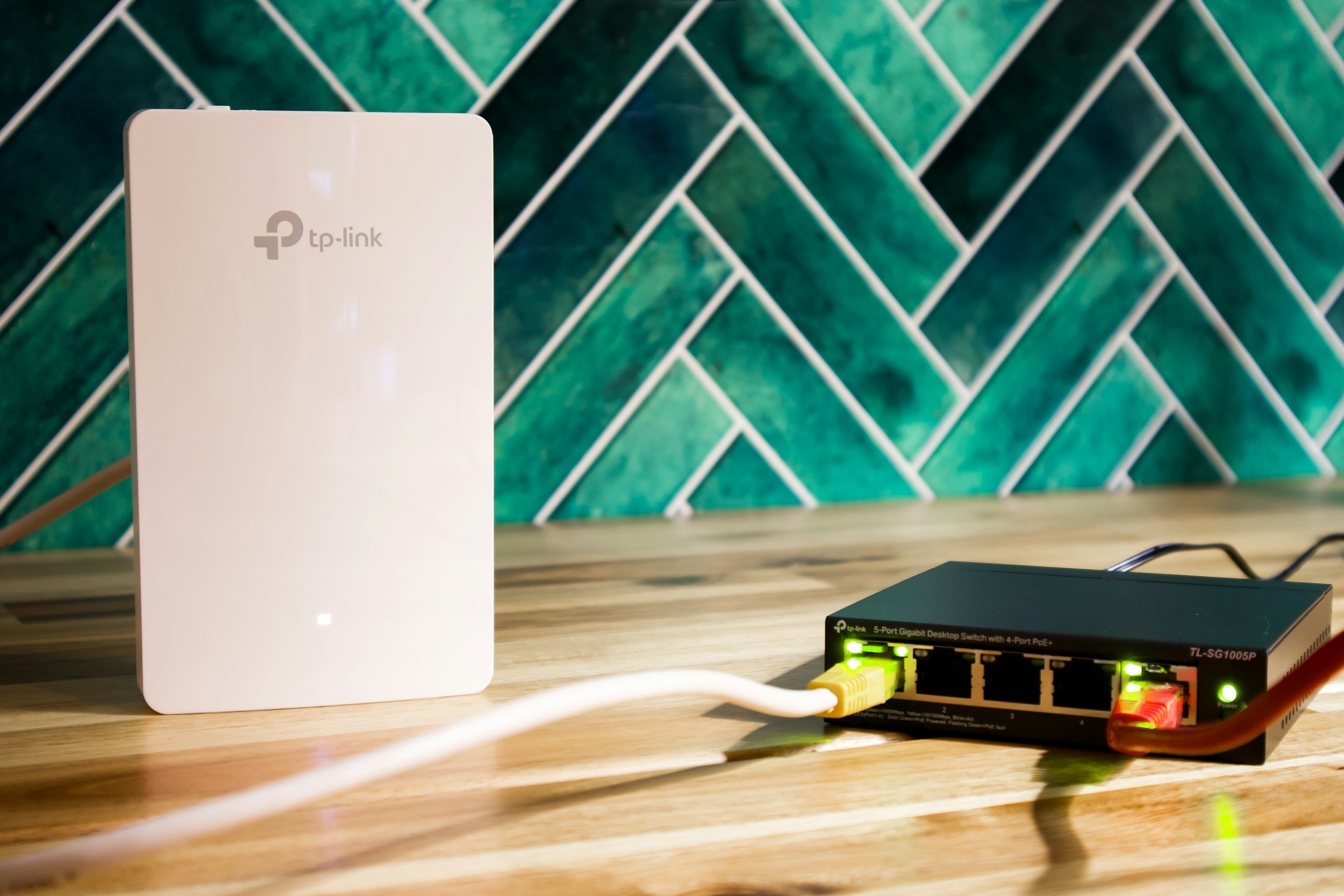
How many Wi-Fi access points do I need for my home?
Struggling with Wi-Fi dead zones in your Moorpark or Newbury Park home? This guide shows you exactly how many access points you need by square footage — and why Ubiquiti UniFi outperforms consumer mesh.
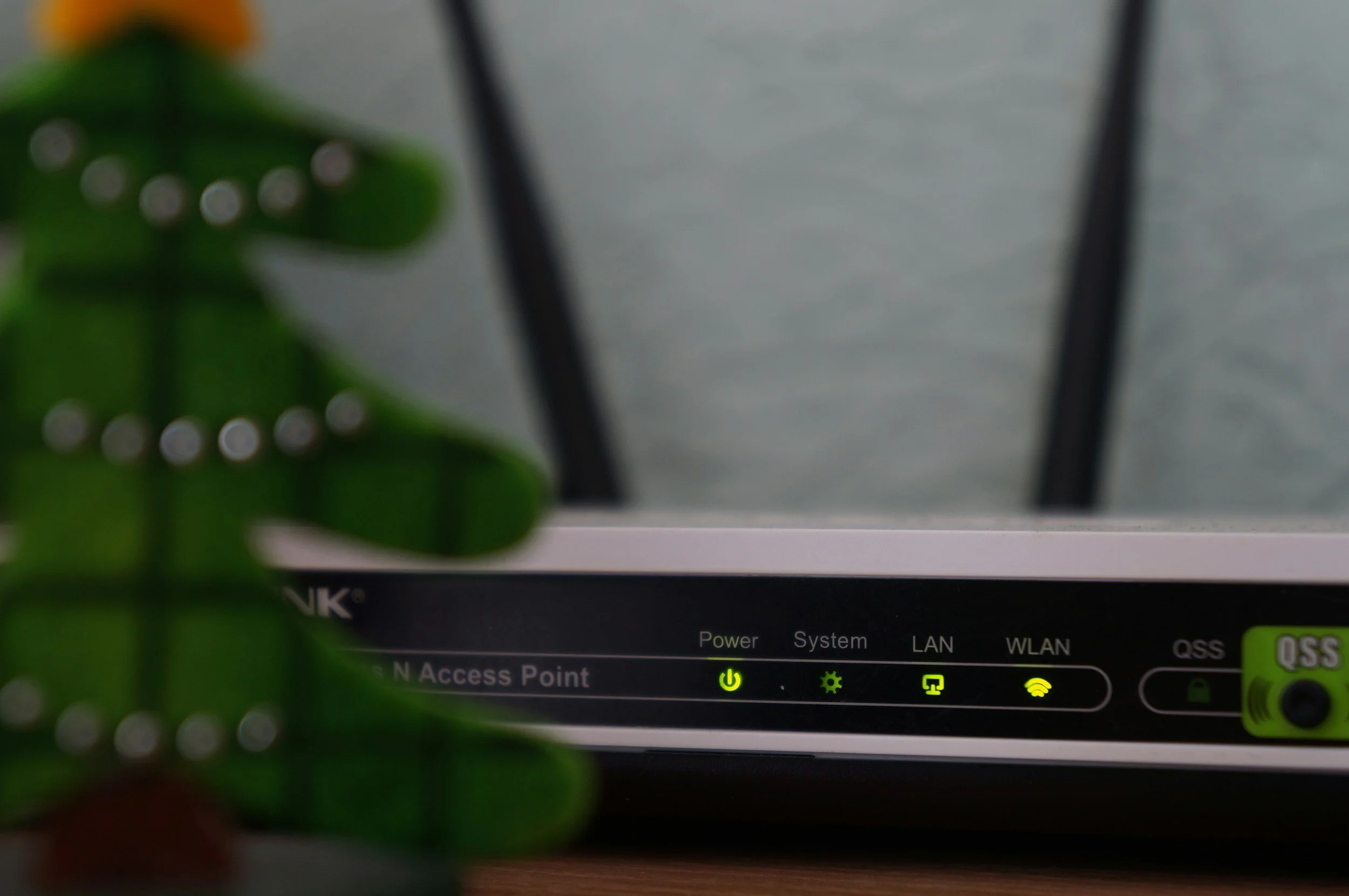
What Is a Mesh Wi-Fi System — and Do I Need One?
Spotty coverage at home? Learn how mesh Wi-Fi works, how to know if you need it, and what a professional-grade upgrade looks like in Ventura County.
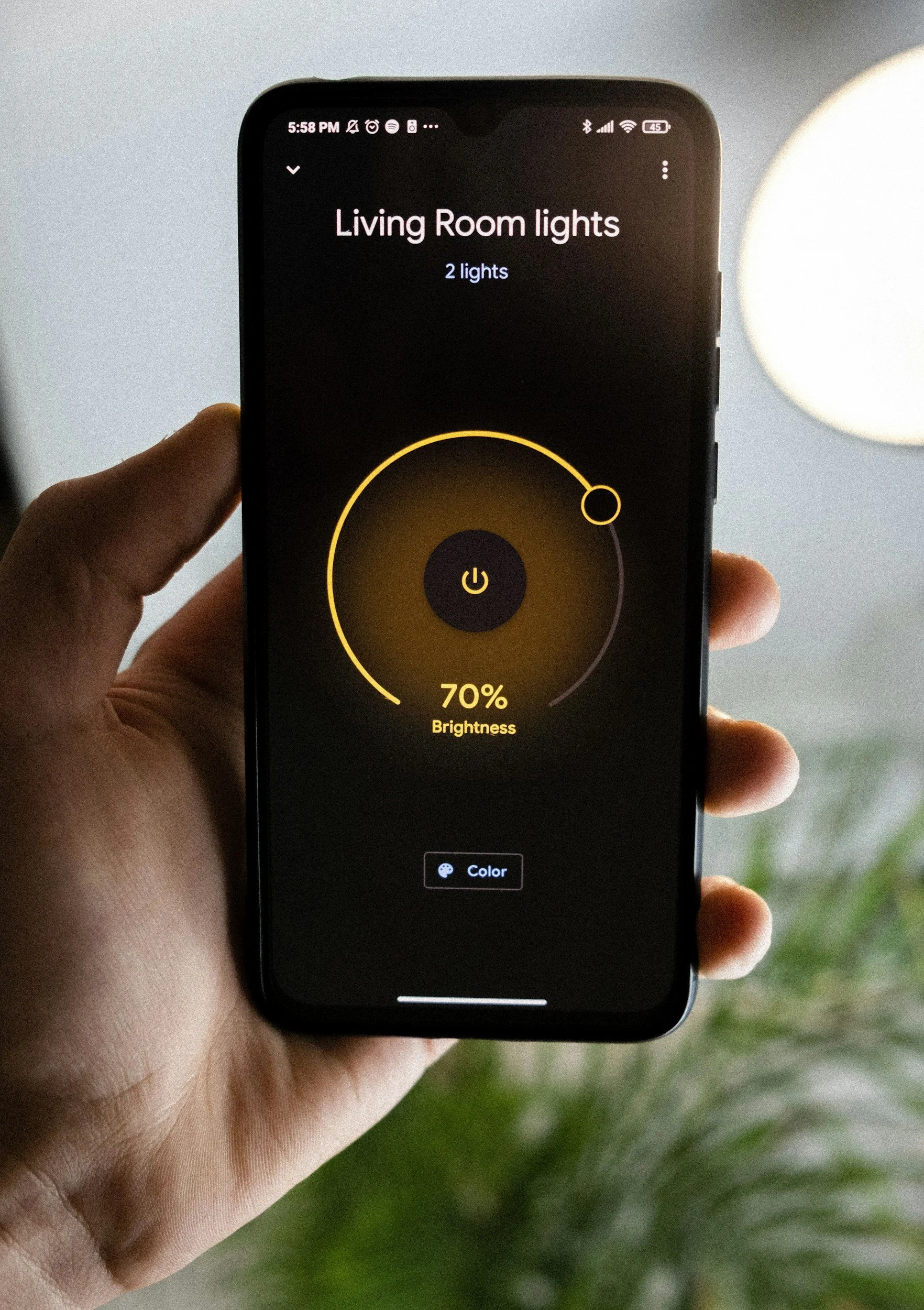
Benefits of automated home lighting (and what most homeowners don't realize)
Smart lighting does more than flip itself off. Energy savings, real security, and whole-home scenes — installed by Ventura County's locally owned smart home pros.
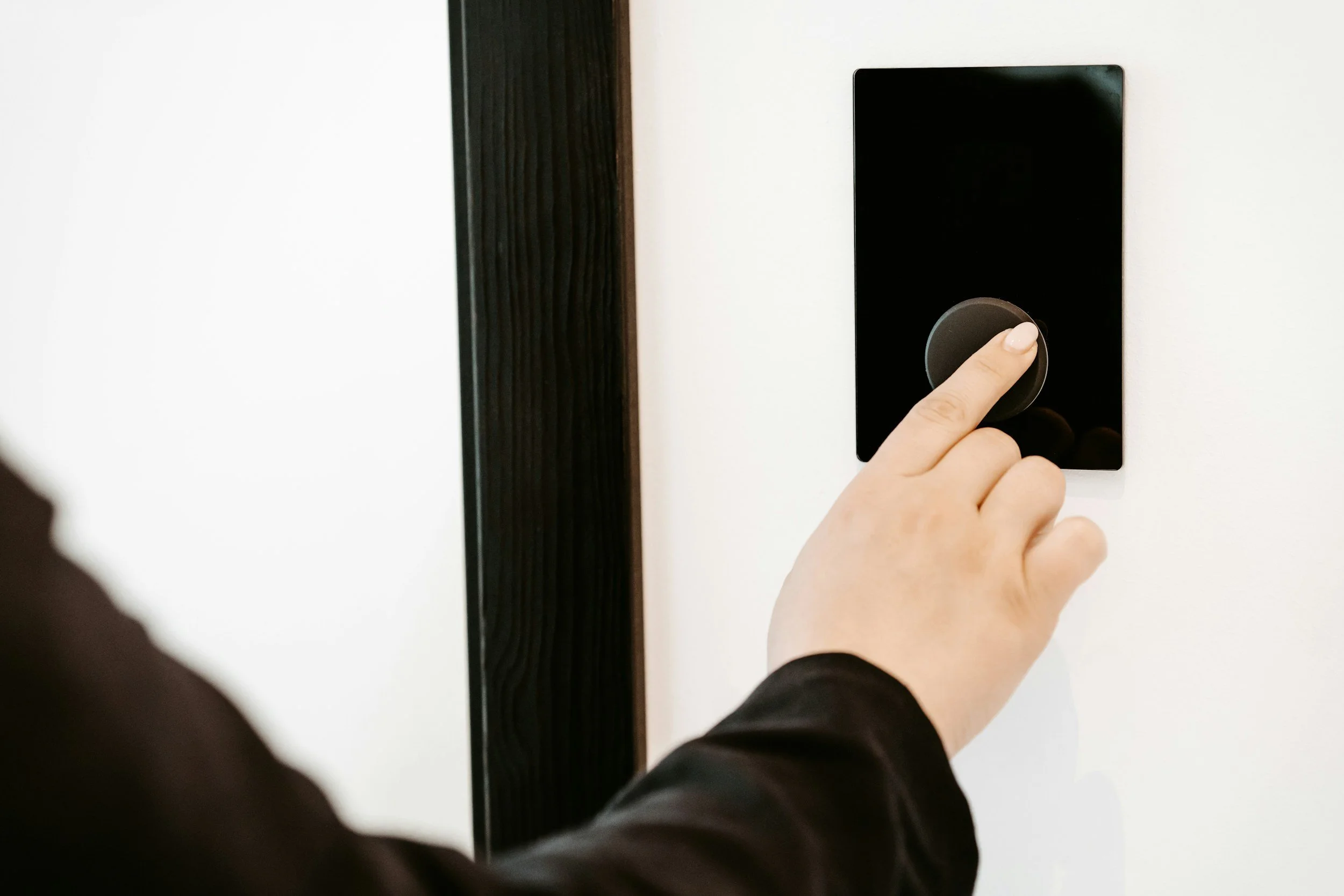
Lutron Caseta vs. DIY Smart Switches: What Ventura County Homeowners Need to Know
Older Ventura County home without a neutral wire? Here's why Lutron Caseta is the professional standard — and how it compares to Kasa, Leviton, and GE Cync.
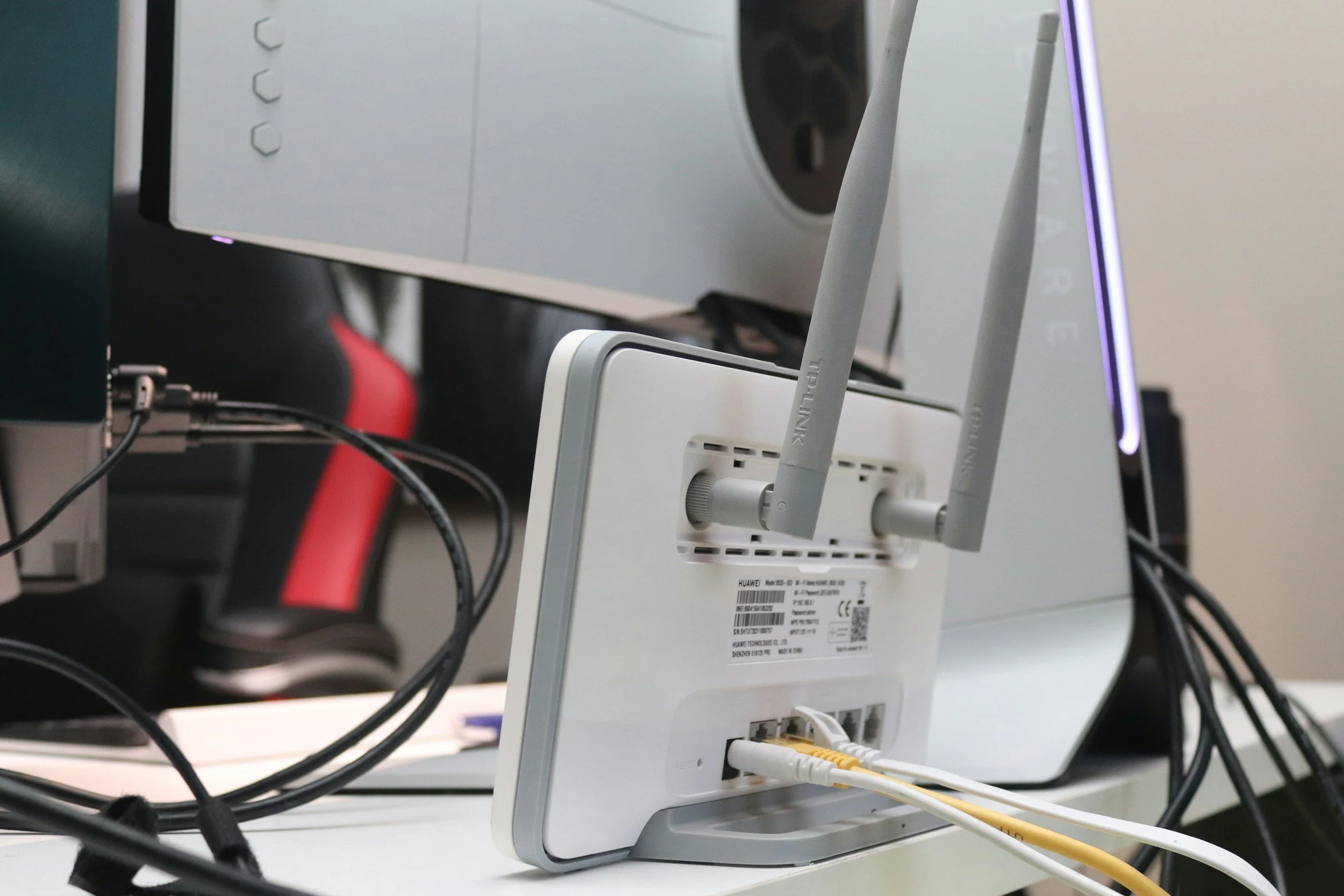
Mesh Wi-Fi vs. Wi-Fi Extenders: Which Actually Works?
Wi-Fi extenders work in small homes. Mesh systems work everywhere else. Here's the honest breakdown — and when it's time to stop patching and install it right.
How Do Smart Home Security Cameras Work – Complete Guide
Smart cameras do a lot more than record footage. This guide explains how image sensors, AI motion detection, and cloud vs. local storage actually work — plus a side-by-side spec comparison of Arlo, Hikvision, and Google Nest to help you choose the right system.
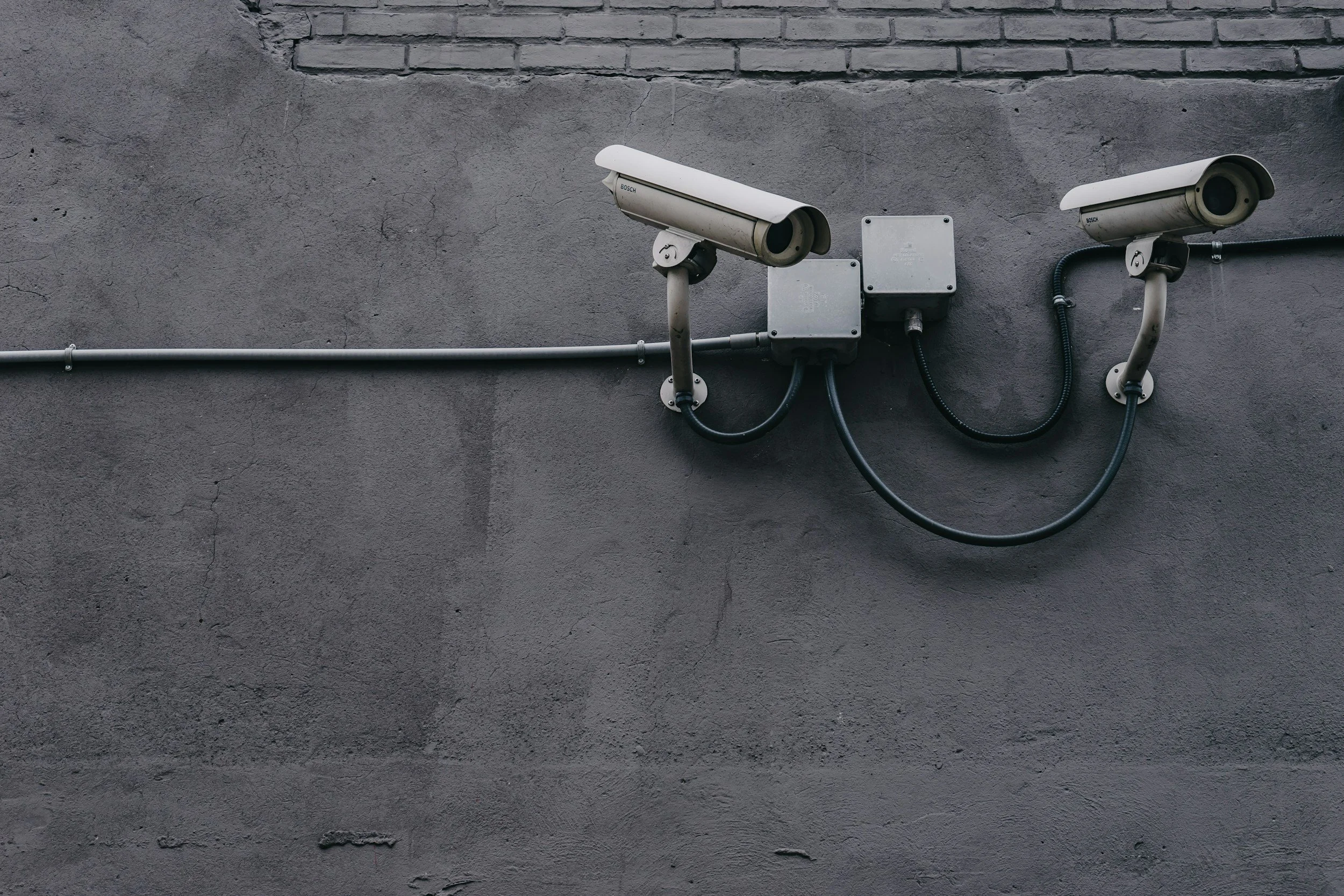
Top-Rated Smart Home Security Systems – Roundup & Reviews
A spec-by-spec comparison of the top-rated smart home security systems for 2025 — Vivint, ADT, Ring, SimpliSafe, and Abode. Includes protocol breakdown, monitoring tiers, camera specs, and a decision framework for Ventura County homeowners.